

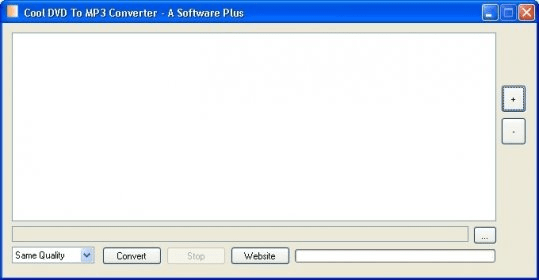
Cool DVD To MP3 Converter is a free and fast tool that allows you to extract the audio soundtrack from any DVD file and save it in MP3 format. The quality of the output files is customizable and the extraction/conversion process is performed swiftly and efficiently. The interface is extremely simple and self-explanatory.
Notwithstanding its somehow confusing name, this program does not convert DVDs into MP3 audio. What it really does is extract the audio stream of any VOB file (those you find in the VIDEO_TS folder of any DVD), which is typically in either PCM or AC3 format, and convert it into MP3 on the fly using a built-in "MP3 Lame" engine. The program offers batch extraction/conversion capabilities, allowing you to extract all the audio of a full DVD in just one go, though not in one file. The program will create as many MP3 files as VOB files are present in the video folder, so you will need a different tool to put them together if needed.
The program includes some basic quality presets to help you speed up the extraction process. Clearly oriented at non-expert users, these presets are expressed in a language anyone can understand – same quality, very high, low, etc. The highest quality available is in fact 320 kpbs, and if you select “Same quality” you will get a 128 kpbs MP3 file. All possible values refer to constant bit rates – regrettably, VBR is not an option. If you prefer to choose a specific bit rate value, you will find rates ranging from 32 to 512, and even to 1024! These two values are, obviously, not available and completely out of place here. If you select any of these, you will get a 320 kpbs file.





Comments